Edit your website.
Right in the browser.
SMBEditor turns any static HTML site into a fully editable page — no admin panel, no database, no learning curve. Edit inline, in a full code editor, or simply describe the change and let AI do it for you.
Works on any static site — your visitors never see the editor.
Everything you need to edit, right there
Six tools that cover the entire editing workflow — from a single click on a paragraph to a full AI rewrite of your page.
Inline Editing
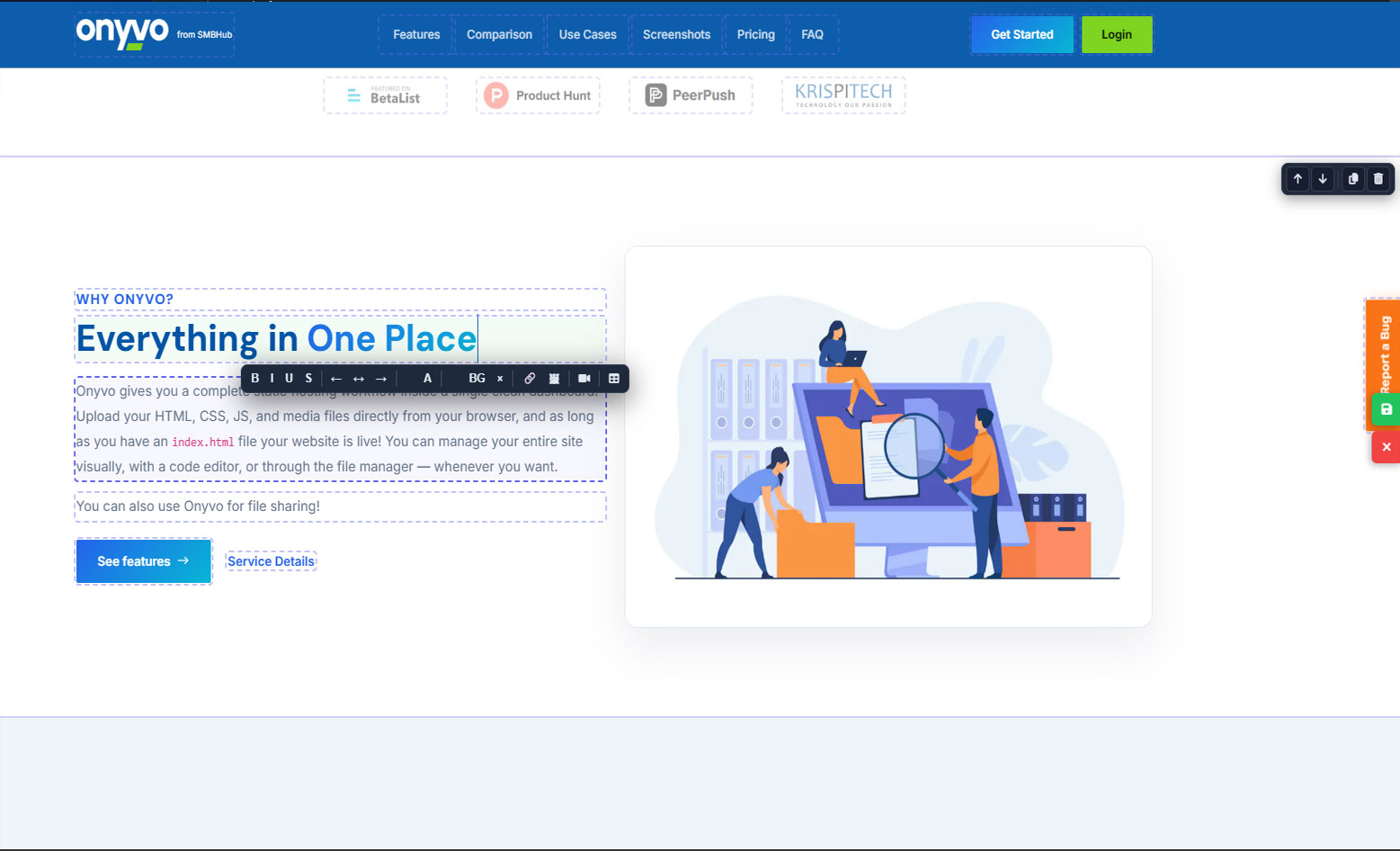
Click any text and edit it directly on the page. A formatting toolbar appears at your cursor with bold, colors, alignment, links, images, videos and tables — no HTML required.
Code Editor
A full Monaco-powered editor with syntax highlighting and a file tree for every asset. Open, edit and save HTML, CSS and JS directly from the browser.
AI Assistant
Describe a change in plain language and the AI rewrites your page. Generate a brand-new site from a single prompt — no coding required.
Section Studio
Your page is built from sections. Move them up and down, duplicate a section, or delete it — one click, with a clean undo-friendly workflow.
Pages Manager
Create, duplicate and delete pages right from the toolbar. Switch between pages instantly and keep your whole site organised in one place.
SEO & Fonts
Set your title, meta description and Open Graph tags so pages share beautifully. Assign a Google Font to every element — body, headings, links — in seconds.
Your site, in your words.
No prompt engineering, no code. Type what you want and the AI handles the markup — powered through a validated license on the SMBPos platform.
AI Helper
"Make the hero heading blue and add a testimonials section." The AI edits your live page and shows you exactly what changed.
AI Creator
Describe the website you want and get a complete, polished page generated from scratch — layout, content and styling included.
From zero to live in four steps
No server setup, no migrations, no training videos. If you can copy two files, you can run SMBEditor.
Drop in the files
Copy both files — .htaccess and smbeditor.php — into your site folder and set both to chmod 0644. Nothing to install, no database to configure.
Sign in
Open /?admin and enter your credentials. Protected by CSRF tokens, session hardening and login rate-limiting.
Edit
Click any text to edit inline, open the code editor for full control, or let the AI handle it — images, videos, tables, fonts, SEO and all.
Publish
Hit save and it's live instantly. Your visitors see the updated page the moment you're done — no build step, no deploy queue.
Two files. Built like a fortress.
SMBEditor is engineered for the way small businesses actually work — simple on the outside, dependable underneath.
Secure by design
Password-protected admin area with CSRF protection, session regeneration and built-in login rate-limiting.
No database, no moving parts
Your site stays plain static HTML. SMBEditor only touches the files you edit — nothing to migrate, nothing to break.
Performance first
No heavy frameworks on the visitor side. Your pages keep their speed, and the editor loads only when you sign in.
Always yours
You own every file. Nothing is locked in — export, move hosts or migrate at any time without a second thought.
Works with any static website
Three ways to work — let the AI handle it, open the code, or click and type right on the page.
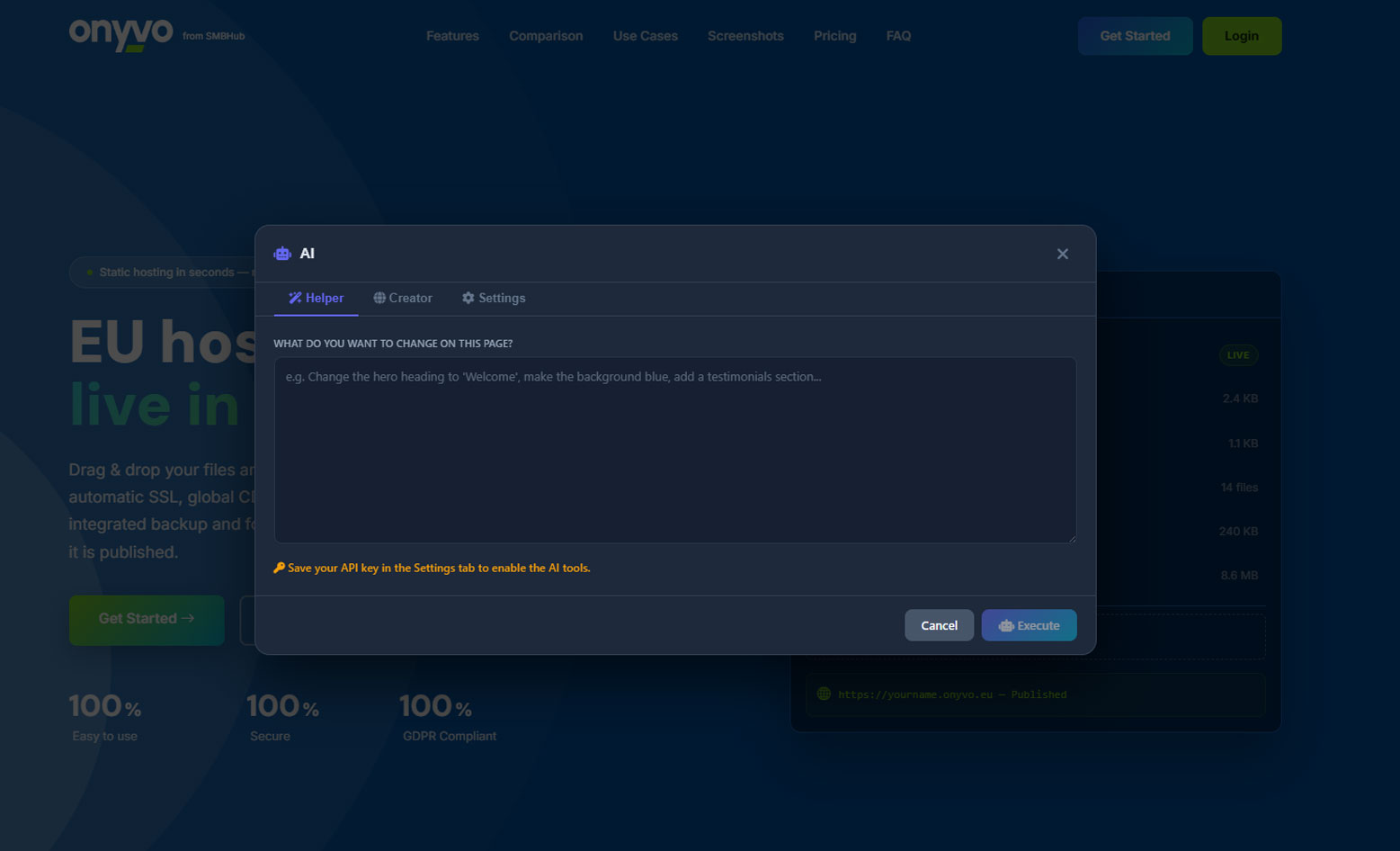
AI Integration
Describe what you want in plain language and the AI rewrites your page — new sections, fresh copy, refined design — all from a single prompt.
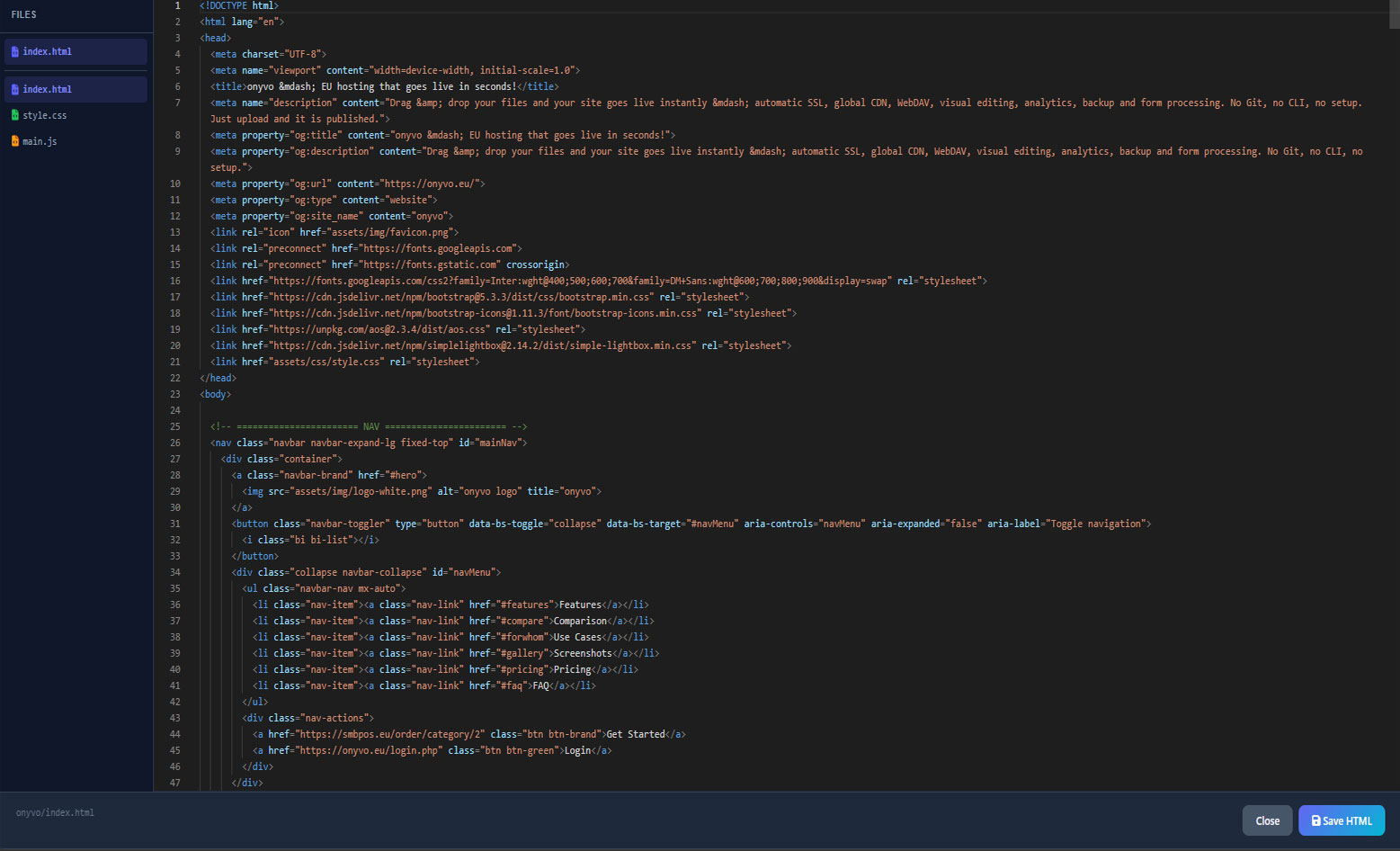
Code Editor
A full Monaco-powered editor with a file tree for every asset — open, tweak and save HTML, CSS and JS directly in the browser.
Inline Editor
Click any text on the page and edit it in place — with formatting, links, images, videos and tables right at your cursor.
Start free. Add AI when you're ready.
The core editor is completely free and self-hosted. AI features unlock through a license on SMBPos.
Core
- Two-file deployment, no database
- Inline editing with full formatting toolbar
- Monaco code editor & file tree
- Section, page & file management
- SEO, Open Graph & Google Fonts manager
- Security hardening & admin protection
AI Studio
- Everything in Core
- AI Helper — edit your page from plain text
- AI Creator — new sites from a single prompt
- Validated server-side through SMBPos
- No usage caps on supported plans
Let's build something great.
Questions about SMBEditor, deployment or the AI license? Drop us a line — we're a small studio and you get a real answer from a real engineer.
Important info
SMBEditor is built primarily for Bootstrap-based websites. For the best experience, your pages should follow a few simple structural rules.
- Use
<section>for the main page blocks instead of plain<div>— every section becomes a movable, editable block (reorder, duplicate, delete). - Mark up text with semantic tags (
h1–h6,p,a,li) so inline editing works on every element. - Keep custom styles and scripts in
css/andjs/so they show up in the editor's file tree. - Edit plain static HTML — server-rendered templates (PHP, WordPress, Twig) aren't supported on the page you're editing.
Usage counter (call-home): once per day, SMBEditor pings our server with your site's URL so we can count how many sites run the editor. It's a single lightweight, best-effort request that never blocks or changes your site — you can disable it by setting CALLHOME_URL to an empty string in smbeditor.php.